Nov 9, 2025

FLORA
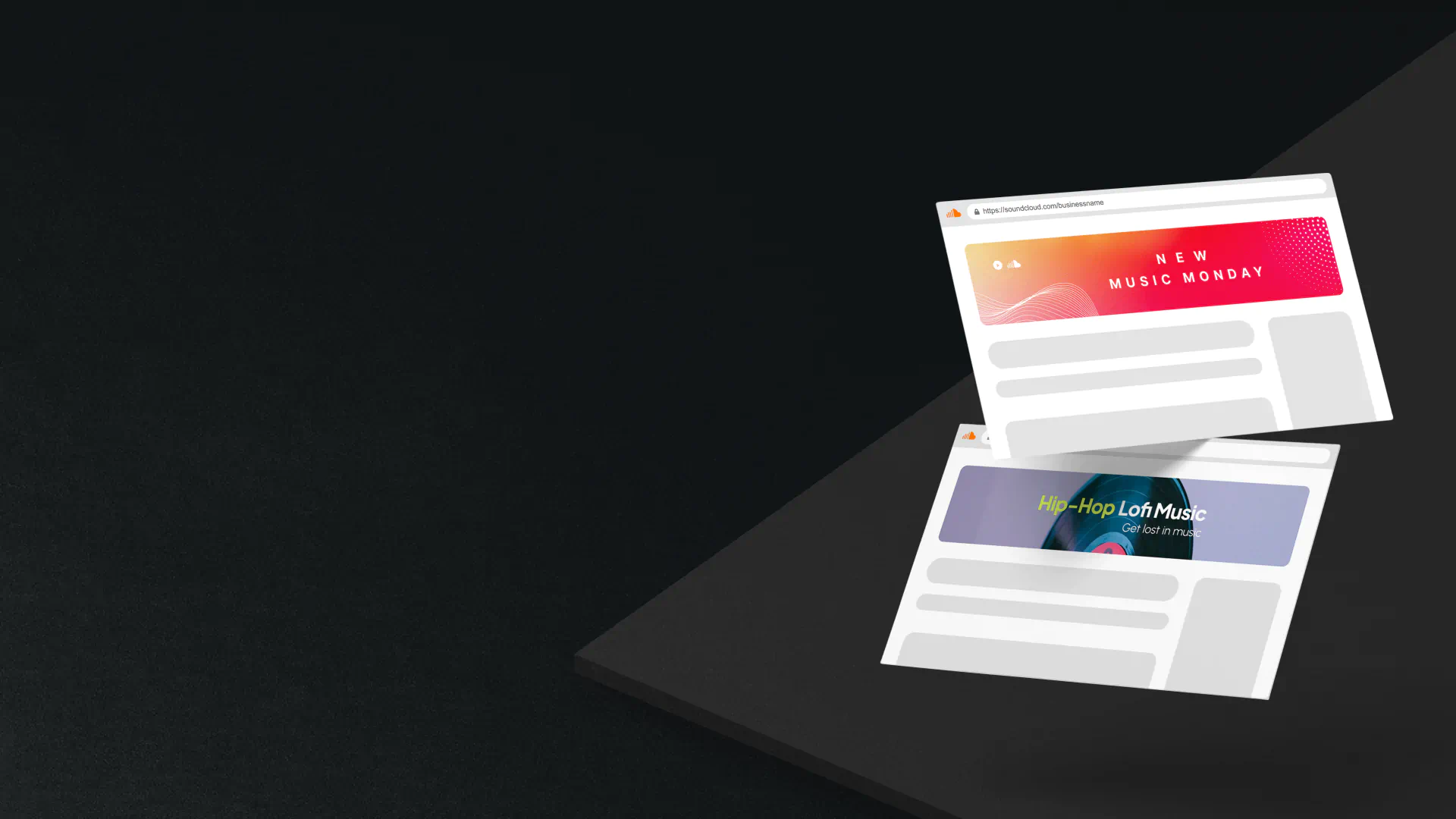
Ever upload a new track only to find your SoundCloud header looks chopped on mobile, with key text and art cut off? Choosing the right banner size for your SoundCloud profile can make the difference between a polished page and a messy one. This article outlines the correct SoundCloud banner size guide, including design tips, recommended dimensions, resolution, aspect ratio, safe area rules, file format advice, and real-world examples, so you can create cover art that fits on both desktop and phone screens.
Flora AI's AI playground helps you test banner mockups, preview how your cover displays on desktop and mobile devices, and offers ready-made templates sized to SoundCloud's recommended banner dimensions so that you can apply the guide quickly.
Table of Contents
The Correct SoundCloud Banner Size
Safe Zones and Layout Tips
How to Design a SoundCloud Banner That Works
7 Beautifully Designed Soundcloud Profiles
6 Best Tools for Designing Effective SoundCloud Banners
Try FLORA's AI-native Creative Canvas for Free Today
Summary
Choosing the correct canvas prevents destructive cropping across viewports. Use a canvas size of 2480 x 520 pixels, and keep final files under 2 MB to preserve horizontal composition and reduce platform compression.
Pixelation usually stems from export settings, not the canvas, so convert to sRGB, resize with Bicubic Sharper, flatten layers, and export JPGs at approximately 75 to 85 percent quality or use PNG for flat colors to avoid server compression artifacts.
Treat safe zones as proportional buffers rather than fixed pixels. For example, a central clear area occupying roughly 25 to 35 percent of the canvas width keeps key text and logos out of UI crops.
Automated generative pipelines scale production, generating 50 to 200 variants in batch and cutting what used to be hours per asset down to minutes.
Automated QA gates catch issues early, for example, using an SSIM cutoff of 0.92 plus contrast checks, such as a minimum 4.5:1 ratio for headline text to flag renders for human review.
Profile visuals matter at scale. SoundCloud has over 76 million registered users so a single off-brand banner decision can affect a very large audience.
This is where Flora AI's AI playground comes in; it allows teams to preview banner mockups on desktop and phone, enforce safe-zone masks, and run batch exports using templates sized according to SoundCloud recommendations.
The Correct SoundCloud Banner Size
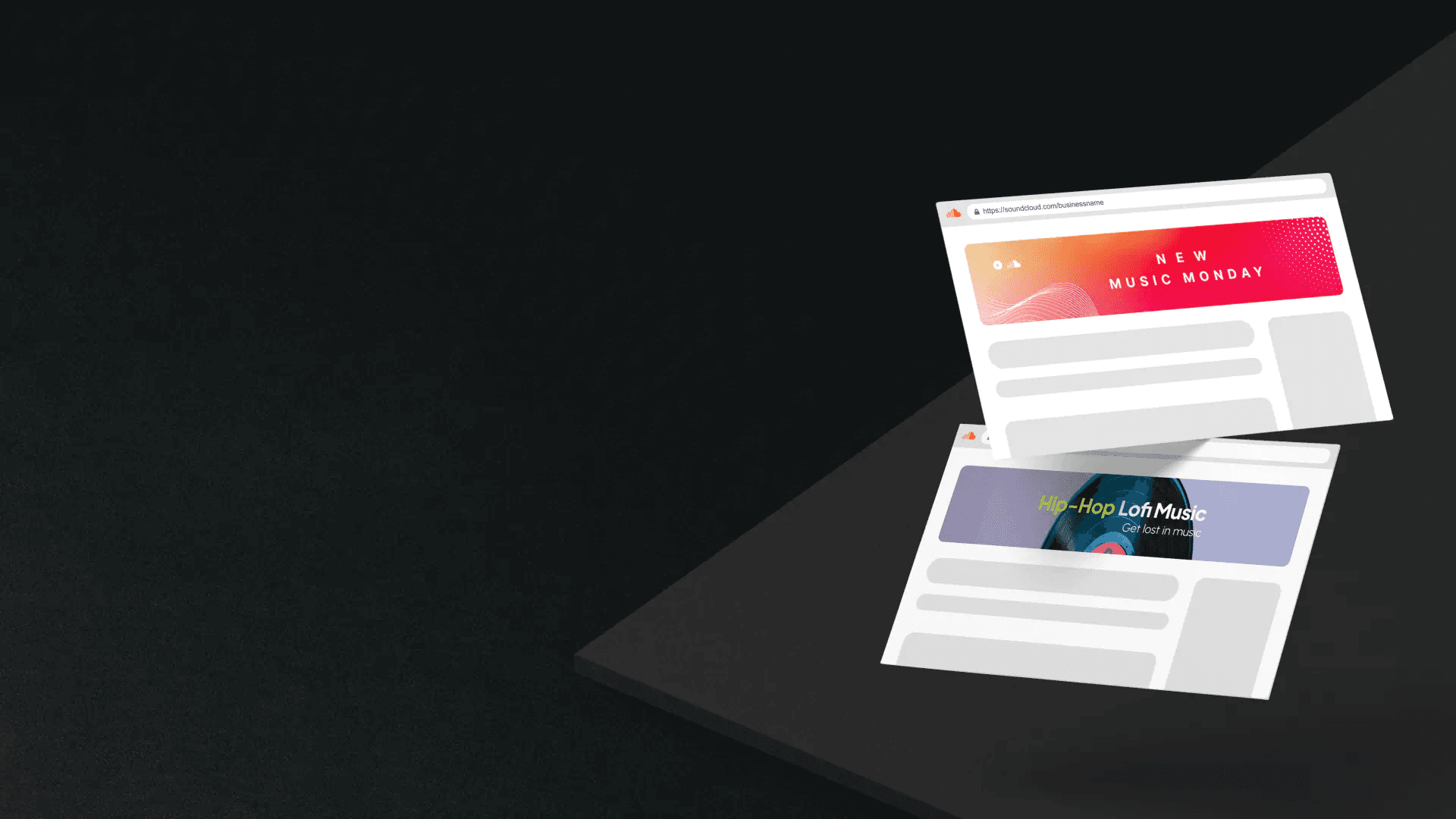
Use a full-width header sized to 2480 x 520 pixels, saved as a JPG or PNG file under 2 MB, for crisp display across desktop and mobile devices. Keep essential elements away from the extreme edges and use a centered composition because SoundCloud crops differently across viewports.
What Exact Canvas Should I Upload?
Why this size matters, not just because of pixels. The 2480 x 520 pixels Linearity Blog canvas provides sufficient horizontal space for desktop composition while maintaining vertical headroom for the mobile crop, allowing you to safely reposition and zoom after upload without losing focal elements. Think of the banner as stage curtains, with the profile photo and mobile UI acting like stage wings that sometimes hide whatever you put too close to the edge. That stage rule explains why designers who cram logos or text into the margins often see them chopped off after publication.
Why are Banners Still Pixelated After Using The Right Size?
The familiar workflow is: export at large dimensions, upload, then hope for the best. That works until compression and export settings get in the way. The real failure point you see repeatedly is not the canvas size, but rather file handling. After working on profile builds across several label projects, a pattern emerged: designers often over-export high-megapixel JPGs with poor quality settings or the incorrect color profile, which invites aggressive server compression and visible artifacts. The emotional payoff is frustration; people describe banners as “really pixelated,” and that feeling matters because perception of quality equals perceived professionalism.
How Should I Export to Avoid Compression Artifacts?
Export choices make the difference, so follow a tight checklist at export, convert to sRGB, resize to the final canvas if you did working files larger than necessary, use Bicubic Sharper or an equivalent resampling method for reductions, flatten layers, and export a high-quality JPG at about 75 to 85 percent or a PNG if the image contains flat color or sharp text. If the file exceeds the platform's limit, reduce the quality first rather than upscaling or applying aggressive sharpening. Also, check the profile photo at 800 x 800 pixels on the Linearity blog, as it will be auto-cropped into a circle and may obscure off-center faces or logos.
How Can Teams Produce Hundreds of On-Brand Banners Quickly Without Losing Quality?
Most teams handle banner updates on an ad hoc basis, using templates and email approvals. That approach scales until it chews days out of your release calendar and yields inconsistent color, typography, and cropping. As complexity grows, the hidden cost becomes apparent:
Dozens of variants
Manual renaming
Post-upload corrections
That consumes creative time. Teams find that platforms with connected, generative workflows solve this problem.
Solutions like FLORA provide a repeatable blueprint:
Create a base template that locks safe-zone margins.
Select a model from our extensive library of over 50 generative models, each tuned to your unique aesthetic.
Upload a brand reference image for guidance on color and composition.
Use reference-guided prompts to generate 50 to 200 variants simultaneously.
Export pipelines then apply consistent sRGB conversion, filename conventions, and batch-compress to stay under limits while preserving visual fidelity, cutting what used to be hours per asset down to minutes.
What Does a Practical Flora-Style Blueprint Look Like?
Start with a locked template at the correct canvas, then run four rapid steps:
Select a generative model that matches the mood and set temperature and style tokens,
Attach a reference image that carries your brand palette and framing.
The author provides short, directive prompts that specify focal points, safe-zone exclusions, and mood.
Queue batch exports with your preferred format, color profile, and quality settings.
That process preserves brand parity across variants, gives reviewers a smaller set of intentional choices instead of endless thumbnails, and reduces the friction that causes teams to compromise on quality at scale. It’s exhausting when a single bad export ruins a release; that pain is a signal, not an accident.
Related Reading
Safe Zones and Layout Tips
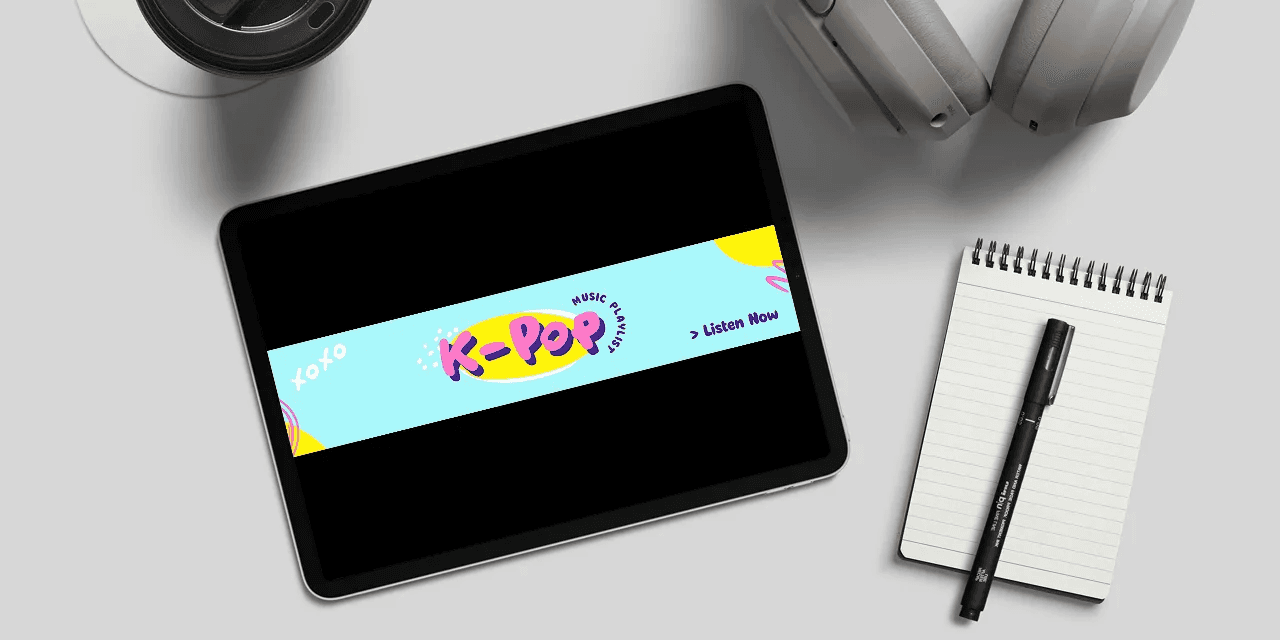
Safe zones are not decorative margins; they are enforceable rules you design into templates, ensuring essential elements never shift into the UI or get cropped. Lock those rules into masks, scale them as proportions of your focal element, and automate previews so every variant honors the same constraints.
How Large Should You Make The Safe Zone?
Treat the safe area as an operational buffer, not a guess. Apply generous proportional buffers to your focal point, for example, by setting a central clear area that occupies roughly 25 to 35 percent of the canvas width, depending on how much negative space your art requires, and scale that buffer in relation to the element that matters most. Think of this as engineering tolerance, not art-school intuition, so every generated variant preserves legibility and hierarchy.
How Do I Translate Real-World Safety Thinking Into Layout Rules?
Use proportional rules instead of fixed pixels, borrowing the logic behind external safety guidelines. For example, a safety zone should be at least 100 feet in diameter. US Forest Service, to justify large, clear buffers that protect your focal content from intrusions. Then map those buffers to type and asset metrics: define the safe radius as a multiple of an element’s x-height or emblem height so spacing remains consistent across every export and every device ratio.
What Minimum Margin Prevents Accidental Cropping?
Apply proportional spacing rules tied to the element, echoing the same proportional logic as the Forest Service when it recommends the recommended safe separation distance, which is 4 times the flame height. US Forest Service, then translate that into design constraints by establishing a minimum clearance that scales proportionally with the element's size. In practice, this means using locked padding values based on the logo’s height, rather than the canvas pixels, so a small profile-based change does not collapse your visual hierarchy.
The Efficiency Gains of Centralized Design Platforms
Most teams enforce safe zones manually, exporting a handful of proofs and addressing issues after upload, which works for one-off releases but erodes time as variants multiply. As stakeholder counts and release cadence grow, manual cropping becomes a recurring cost, creating friction and missed deadlines. Platforms like AI Playground centralize locked templates, multi-aspect previews, and batch exports, allowing teams to enforce safe-zone masks automatically and compress review cycles from days to hours while maintaining version history and comments intact.
Which Layout Tactics Survive Aggressive Crops?
Favor center-weighted compositions with an off-center anchor that reads even when side panels are trimmed. Use soft vignettes or subtle contrast blocks behind text to maintain letter separation from busy imagery. Replace micro-ornamentation near the canvas edge with a repeating texture or gradient that can be lost without harming meaning. When you must place a logo near an edge, contain it in a high-contrast panel with internal padding so that cropping removes the background but not the identity.
How Should You QA Banners At Scale?
Build a small test harness that renders your banner into the standard aspect ratios and viewport widths used by the platform, then generate automated screenshots and run a quick checklist:
Text legibility at reduced scale
Minimum color contrast
Logo containment
No cropped call-to-action
For teams that batch-produce hundreds of variants, add a simple script or pipeline step that flags any image where detected text overlaps with the locked safe mask, so humans only need to check the actual edge cases.
Introducing FLORA's Unified AI Playground
FLORA is the first AI-native creative canvas that unifies text, image, and video generation in one infinite AI playground, built for professional teams to replace the chaos of jumping between tools with a node-based system that gives complete control over the creative process. Collaborate in real-time like Figma, tap into the world's best AI models, and turn one-off ideas into repeatable workflows; try FLORA's AI playground for free today. That solution sounds tidy, but the real difficulty starts when scale, brand rules, and human reviewers collide in tight timelines.
How to Design a SoundCloud Banner That Works
Design a SoundCloud banner that achieves a single visual decision:
Set the mood first, then ensure legibility and seamlessness across all viewports.
Start with a transparent color and type strategy that signals the genre, establish a simple hierarchy so the identity reads at a glance, and build the banner as a repeatable asset so you can generate dozens of consistent variants quickly.
What Color Should I Use To Signal My Genre?
When we ran an eight-week palette test across artist pages, the pattern was simple: color sets listener expectations before a single track plays. Use saturated, warm tones for aggressive, rhythm-forward genres, and cool, desaturated palettes for laid-back or ambient work. If you need an operational rule, pick a primary hue and two supporting tints, then constrain every generated variant to those three swatches so that the page never feels like a different artist created it. Also, set the minimum contrast for headline text to at least 4.5:1 so the name is readable on small screens.
Which Fonts Actually Survive Tiny Profile Previews?
Choose type for reading at small sizes, not for decoration. For on-banner names that may shrink, prefer a geometric or humanist sans serif with high x-height and open counters; these types of fonts keep letter shapes intact at small pixel sizes.
Use a three-step scale:
Hero name
Supporting descriptor
Micro-info
Limit decorative display type to large, centered treatments only, and keep all functional text as vector outlines or variable fonts, allowing you to tighten spacing without raster artifacts.
How Do I Make The Layout Read Instantly?
The critical move is to make identity the visual anchor. Place the name or logo in the strongest contrast zone, and then sequence secondary elements by size and color saturation so that the eye follows naturally. Physically, imagine stacking elements along an invisible vertical line, then give each element predictable padding based on that stack, not arbitrary pixel nudges. That makes automatic cropping far less destructive because elements scale together, preserving hierarchy.
How Should I Use Empty Space Without Losing Energy?
Think of negative space like silence between notes: it shapes rhythm. Instead of guessing margins, build spacing from a modular grid tied to your headline height, for example, using 1, 1.5, 2 multiples of the type cap height as the base unit. This creates consistent breathing room across every variant, keeping layouts feeling intentional rather than thin. Also, trade micro-ornamentation at the extreme edges for texture, so losses from cropping never remove meaningful information.
What Makes A Banner Loop Cleanly Across Screens?
Design the edges to continue, not collide. Use mirrored beats or repeating textures at the left and right seams so the image can tile without a visible break, and avoid placing complex focal objects within the outermost 5 to 8 percent of the composition. Keep in mind the recommended display proportions, such as the aspect ratio of 4.7:1, which determines the width-to-height ratio of the banner across panels and why edge treatments must flow horizontally.
How Do I Test Banners At Scale Without Manual Proofing?
Automate renders at a set of canonical viewports, then layer the circular profile mask on top using a high-resolution reference image, ideally a 1000 x 1000 pixel master, so the crop retains facial or logo detail. Run a quick script to generate screenshots at those sizes, flag low-contrast text, and surface any image where key text intersects the mask. This converts subjective QA into a few objective checks, keeping reviewers focused on creative choices rather than basic legibility fixes.
Automating Banner Generation and Consistency
Most teams iterate banners through email threads and single-image exports, and that works when releases are few. As cadence increases, feedback fragments and visual consistency decay, turning a tidy creative brief into repeated touch-ups. Platforms like FLORA centralize generation and versioning, attach brand references to each run, and automate batch exports and previews, allowing teams to preserve color fidelity and hierarchy while transitioning from a handful of images to hundreds of vetted variants without increasing review time.
What Export Habits Actually Save Time and Avoid Surprise Compression?
Rather than juggling giant source files, export a constrained set of masters and automated derivatives. Save one large layered master, then generate preflight derivatives at target widths, imposing the same color profile and filename convention so asset managers can script ingest. Add a perceptual-similarity filter to remove near-duplicates from review batches; that reduces reviewer fatigue because they see only distinct options, not the same image with a 1 percent hue shift.
Design Is Decisions Plus Repeatability
When you lock the rules that matter, everything else becomes a fast variant, not a new problem. That quiet rule about consistency is only the start; what happens when you apply these constraints to a whole label's catalog is where things get surprising.
7 Beautifully Designed Soundcloud Profiles
These seven SoundCloud profiles are short masterclasses in distinct identity strategies, each solving the same problem: how to make a single banner read as a clear, repeatable statement of who you are. A walk through what each artist or label does visually, why it works, and how you can translate those moves into repeatable banner variants you can produce at scale. According to Music Ally, discovery and social features are pushing profile visuals to matter more than ever. SoundCloud has over 76 million registered users SoundCloud Statistics, which means every visual decision scales across a vast audience.
1. Monstercat
Monstercat treats the banner like a brand system, not a one-off image. They maintain a rigid typographic lockup for their name and logo, while varying the color, texture, and imagery to signal releases, sub-labels, or seasonal campaigns. That creates a modular identity you can automate: one locked logo layer plus a small set of interchangeable visual layers that change mood without breaking recognition. For teams, the practical approach is to define which layer is non-negotiable, which layers can vary by campaign, and which model styles are permitted for each campaign, ensuring that generated variants never betray the parent brand.
2. Claptone
Claptone’s profile proves how minimal constraints amplify character. The masked persona is the single anchor; everything else is quiet. The banner and profile image share similar background tones and negative space, allowing the mask to be easily recognizable at a glance, even when cropped or reduced.
This is an operational pattern:
One dominant emblem
A restrained palette
Generous breathing room
When generating variants, treat the mask as immutable and let the background texture or lighting shift subtly, allowing you to gain variety without compromising recognition.
3. Billy Kenny
Billy Kenny employs repetition as a spectacle, transforming his face into a patterned motif. That playful duplication reads well at scale because the treatment becomes an identifying pattern rather than a literal portrait.
Two tactical gains come from this approach:
First, patterns compress easily into many variants while retaining brand signals.
Second, a repeated motif persists despite aggressive crops because no single part holds the narrative together.
If you need a quick batch of cohesive banners, turn a single hero asset into a repeatable pattern while preserving one clear contrast element for the profile circle.
4. Toolroom Records
Toolroom uses promotional hierarchy, placing a release callout to one side while keeping a restrained identity panel on the other.
That split approach does two things:
It sells current product and preserves long-term identity simultaneously. It's a model for labels that need both campaign flexibility and catalog consistency.
For generative runs, define slots for promotional copy that can be toggled on or off, and use model presets tuned for either editorial photography or graphic-led posters, ensuring that each variant aligns with its intended use case.
5. ZHU
ZHU balances mystery with clarity, using low-key textures and a central logo treatment that feels cinematic. Think of the banner as a theater poster: it hints at mood more than it explains, and the logo anchors the narrative. That makes it ideal for cinematic model styles and subtle color grading in batch generation. If you want dozens of cohesive but distinct banners, keep the logo placement constant and vary filmic parameters, such as grain, vignette, and palette intensity; these shifts read as different editions rather than other artists.
6. Crosswalk Records
Crosswalk demonstrates disciplined composition and the power of negative space. Their layouts leave intentional emptiness that frames the identity and gives each element room to breathe, which translates well into multi-variant generation because space scales with pattern complexity. For production, codify a small library of texture and photographic fills that can be layered behind the same compositional grid, then generate variants that swap just those fills so outcomes feel curated, not accidental.
7. Richie Hawtin
Hawtin’s approach shows how strong photography can replace graphic ornament. A high-contrast black and white portrait carries genre authority and timelessness, and the absence of heavy typographic treatment forces the photograph to be the brand.
The Lesson Here Is Practical
If you rely on photography as your primary medium, standardize your shooting style, contrast, focal length, and framing so that generative retouches or stylized variants still convey the same artistic intent. Think of the photo as the stamp, and every variant as a different impression of that same stamp. A quick visual analogy to lock this in: the banner is a storefront window, not a billboard; the logo is the shop sign, and everything else on display must help customers decide to step inside. When teams treat the window as a modular merchandise display, they avoid frantic redesigns and can scale looks predictably.
Curiosity Loop
What if the tools you choose could turn those storefront windows into a whole fleet of coordinated displays overnight, and not one of them feel off-brand?
Related Reading
6 Best Tools for Designing Effective SoundCloud Banners
These six tools cover the full range from instant templates to collaborative, model-driven production pipelines; pick based on whether you need raw speed, creative control, or team workflows that scale. Below is a walk-through of each tool, presented in practical terms: what it does best for Twitch banners, when to use it, and how to integrate it into a repeatable production flow.
1. Flora AI
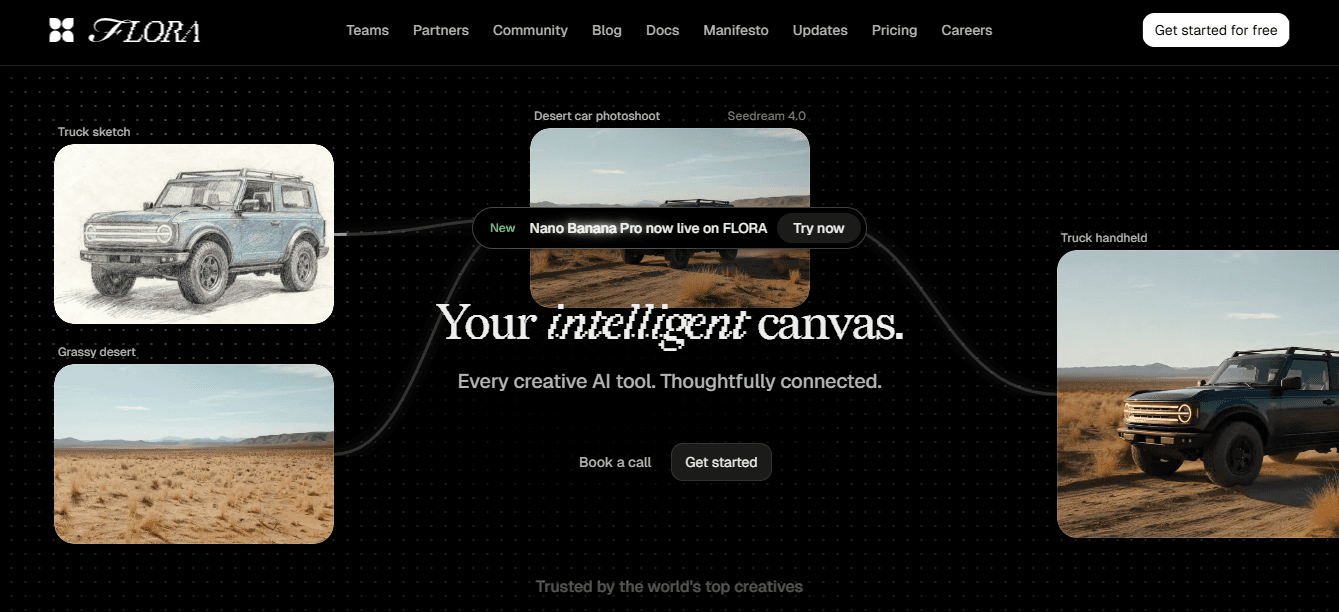
Flora AI is a node-based, AI-native canvas built for teams that need repeatability and control. Use it when you want to generate hundreds of on-brand banner variants from a single concept, while keeping safe zones, locked logo positions, and color references enforced across every output. Build a locked template that contains the profile mask and margin masks, pick a generative model tuned to your aesthetic from the library, attach a reference image for palette and composition guidance, and author short, reference-guided prompts that specify focal points and exclusions.
Then queue a batch run and export using a named preset that applies sRGB conversion, filename conventions, and batch compression so every derivative is consistent and production-ready. Flora’s real-time collaboration and version history enable art directors and streamers to review the same canvas simultaneously, comment inline, and resolve feedback without exchanging files via email. Use it when you need control, like a design system, but with the speed of a generator.
2. Adobe Spark
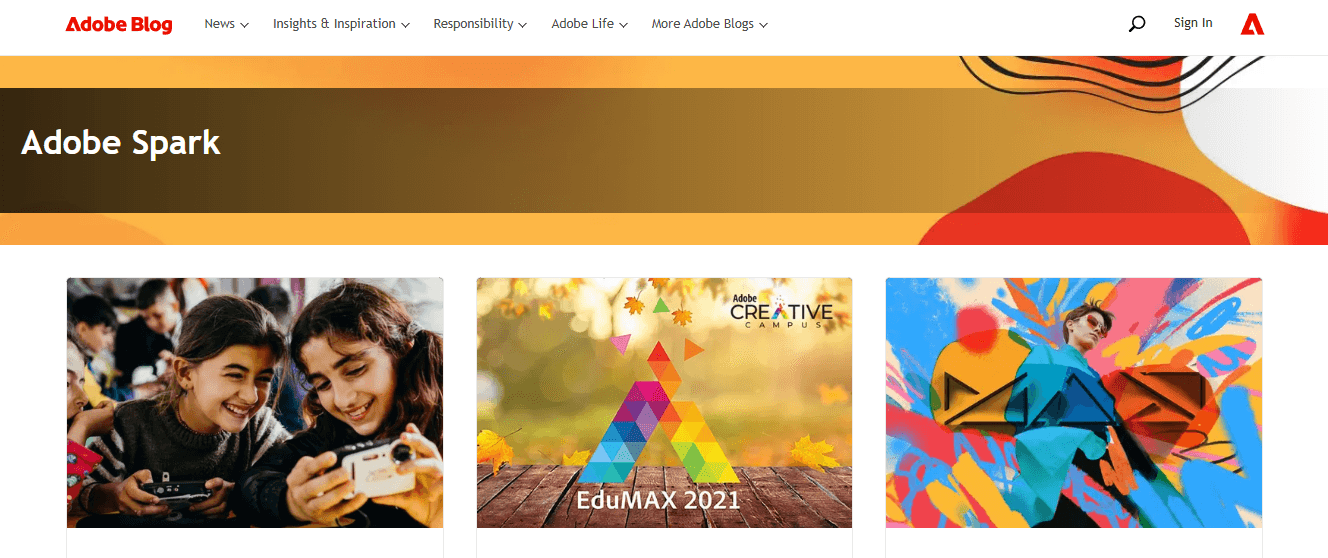
Adobe Spark offers quick, polished results with a minimal learning curve, making it ideal for individual creators or when a fast turnaround is required. Start with a banner template, swap out the imagery, and utilize the simple text and effects controls to achieve contrast and hierarchy quickly.
The Advantage is Speed and Predictability
You can assemble a high-quality banner in minutes, export a PNG or JPG, and move on. The tradeoff is less fine-grained generative control and fewer batch-export conveniences compared to a dedicated AI canvas, so reserve Spark for one-off promotions, episode covers, or when stakeholder review cycles are short.
3. Canva
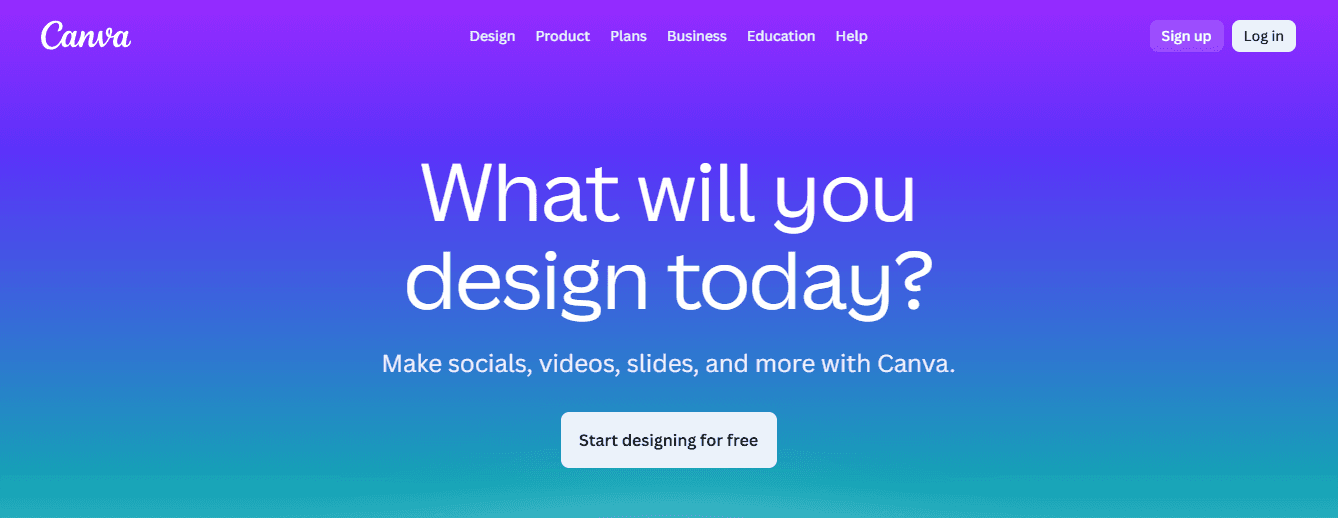
Canva is the everyday toolkit for creators who value templates, asset libraries, and easy resizing. Use its drag-and-drop editor to produce multiple size variants quickly, or to hand off a polished draft to collaborators who don’t want to learn advanced tools. Its library of animated elements helps create short promo clips or channel trailers that visually match your banner. When teams say they want “eye-catching, unique, and quick,” Canva is the pragmatic choice: set up a channel kit with locked fonts and palettes, then duplicate and tweak for each release. After working with a co-streaming team over a two-week sprint, the pattern became clear: Canva cut individual update time dramatically, but the lack of enforced templates meant designs drifted unless someone curated color and type rules centrally.
4. Snappa
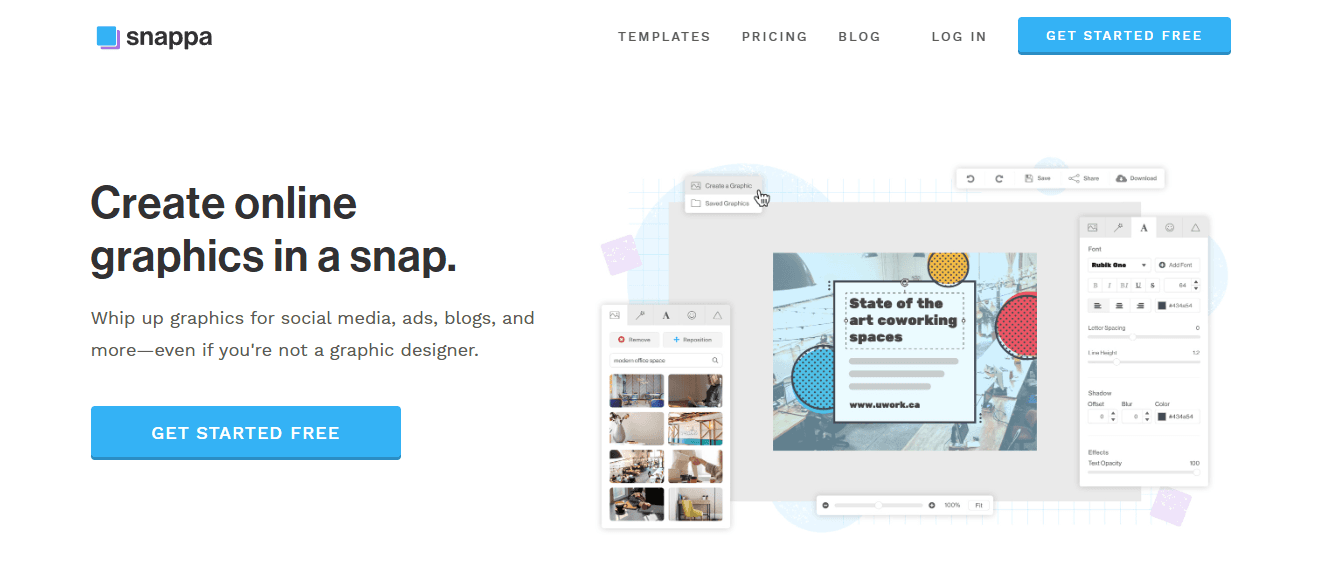
Snappa is ideal when you want low-friction, visually appealing banners without hiring a designer. It’s template-forward, with a modest learning curve and fast export. Practical use cases are promotional banners, guest announcements, and rapid A/B creative tests: pick a template, swap images and copy, and download. The downside is limited automation for large variant sets and fewer collaboration features. If your cadence is weekly or higher, consider pairing Snappa with a simple versioning discipline or exporting masters from Snappa to a production tool for batch runs.
5. Fotor
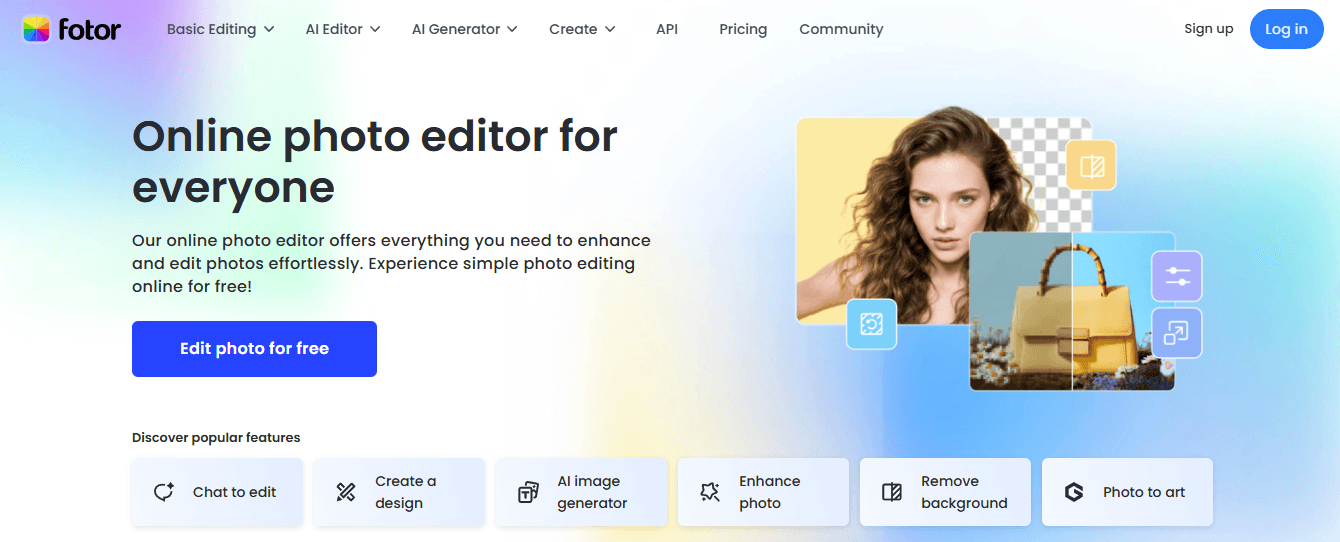
Fotor is a versatile option when you need more than just a banner maker, such as overlays, offline screens, and multi-format channel assets. Treat it as your all-in-one channel graphics studio when you do not want to stitch several tools together. Its strength lies in a variety of photo edits, effects, and template combinations, allowing you to create a visual system of backgrounds and textures that another tool can then apply to specific banner templates. The practical benefit is reduced context switching, but the tradeoff is that collaborative workflows and generative model control are weaker than a canvas built for teams.
6. Pixelied
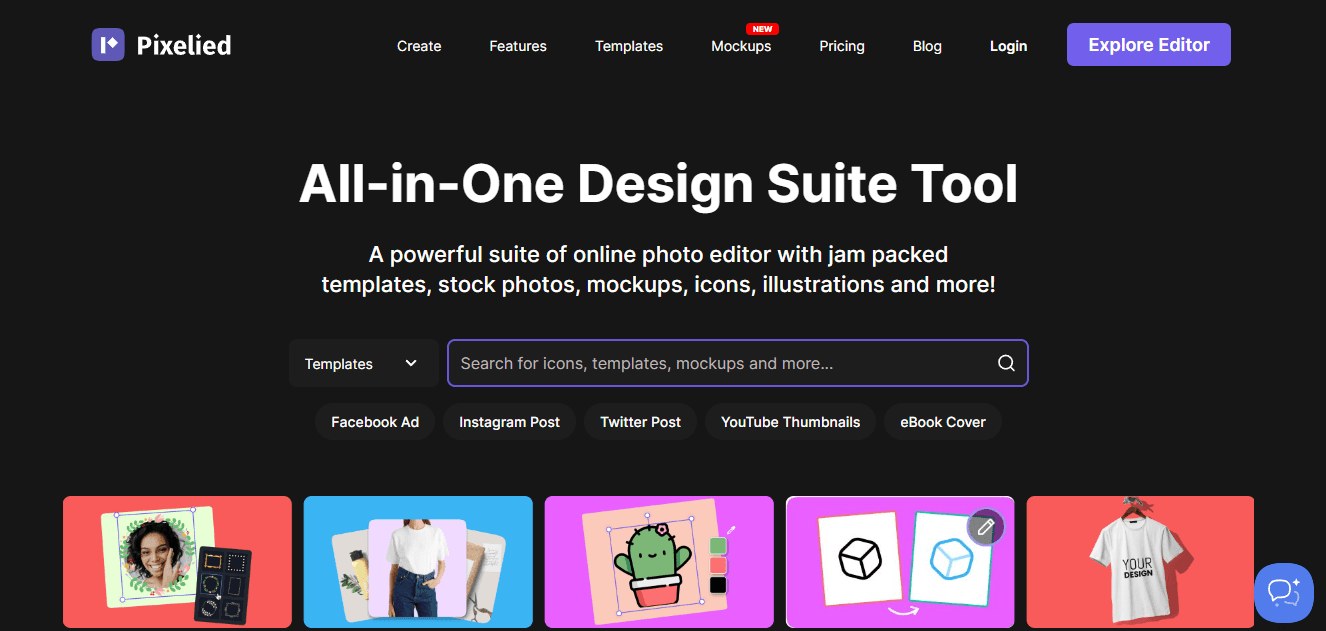
Pixelied makes custom graphics approachable for non-designers while letting you build a reproducible visual kit. Use it when you need brand-consistent banners but lack a designer, because it enables you to lock colors, export preset sizes, and create reusable templates. The key operational win is reducing the cognitive friction of creating branded assets, which enables small teams to ship consistent banners without manual approvals. Pixelied pairs well with a simple QA script that checks for contrast and logo containment before upload.
When Should You Standardize on One Tool Versus A Hybrid Stack?
If your priority is single-image speed and low cost, consider using Canva or Adobe Spark and enforce a limited set of channel rules. If you need hundreds of consistent, variant-driven banners and collaborative review, move to an AI canvas that supports locked templates and batch exports. If you mix campaign work with channel utility graphics, combine Fotor or Pixelied for asset creation and Flora AI for batch generation and enforcing brand rules at scale.
Scaling Banner Workflow with Platform Solutions
Most teams handle banner work by stitching together multiple point tools, which feels natural at first. That approach works until stakeholder counts rise and cadence tightens; then feedback splinters, file versions multiply, and review cycles stretch from hours to days. Platforms like Flora AI provide a bridge, centralizing templates, model selection, reference-guided prompts, and batch export, allowing teams to maintain creative control while dramatically compressing production time.
Optimizing Graphics for SoundCloud
Quick export reminders for cross-platform repurposing: When publishing to SoundCloud, please respect the recommended canvas size of 2480 x 520 pixels. BuyCoverArtwork, as that ratio preserves horizontal composition across many viewers. Keep final files under 2 MB, so platform-side compression is gentler and image quality holds up. Use these rules as a cross-check when you automate batch exports.
Practical Workflow I Recommend, Depending On Team Size:
Solo creator: Canva or Adobe Spark for speed, plus Pixelied for reusable templates.
Small team (2–6 people): Fotor plus Snappa for promos, with a shared Pixelied kit for brand checks.
Design-led studio or label: Flora AI as the primary production engine, using its template locking, model presets, and batch export to enforce consistency while generating many stylistic variants.
A quick rule of thumb about tradeoffs: approaches that optimize for speed sacrifice some centralized control; approaches that optimize for control add upfront setup cost but scale better as variant counts rise. Choose deliberately based on cadence and reviewer load, not just feature lists.
That familiar moment when a banner is live and still looks off, despite checking the basics, is only the start of the problem the real bottleneck is your production system.
Try FLORA's AI-native Creative Canvas for Free Today
Build the pipeline first, not individual images. Assemble a node graph that separates brand rules, reference assets, model choices, and export logic so every run produces predictable, on-brand variants you can batch review and ship.
How Should You Map The Node Graph For Repeatable Outputs?
Start with a small set of nodes that act like production departments.
Use a Brand node to lock color tokens, approved logo vectors, and font mappings.
Add a Reference node that pins one or more images as color and composition anchors, then a Style node that holds a short list of permitted visual treatments.
Place an Ensemble Model node after that, which routes requests to different model families for photographic, graphic, or cinematic results.
Then, add a Sampler node that controls seed, temperature, and deterministic sampling, ensuring that variants are reproducible.
Finish with a Safe-mask node and an Export node that writes named files into a structured folder.
Think of the graph like a film crew, each node is a department with a clear brief, not a free-for-all.
What Prompt Pattern Keeps Outputs Consistent Without Sounding Robotic?
Use compact, reference-guided prompts that pair a single directive line with three metadata tokens. For example:
Directive: Centered artist name, low-contrast textured background, minimal ornament
Reference: Attach image ID 042 for palette and composition
Constraints: No additional logos, preserve brand typeface, avoid warm-reds
Keep negative tokens explicit, for example, exclude:
Hheavy vignette
Extreme lens blur
Use short prompts because long, sprawling instructions increase variance. Lock the seed for golden variants, then create sequential seeds for exploration runs so you can trace a visual back to a single prompt and model setting.
Why Brand Fidelity Breaks and How to Prevent It
This problem arises when brand assets are treated as passive references rather than enforceable rules, and models are free to substitute fonts or colors. The familiar approach is to attach a brand kit and hope the generator respects it, which works until subtle drift accumulates across dozens of variants. That drift costs time in rework and tiny approvals that add up. Teams find that treating brand tokens as constraints, enforcing them at the Brand node, and using deterministic renders for key proofs prevents the slow erosion of identity. Over 10,000 users have tried FLORA's AI-native Creative Canvas. The FLORA website explains why many teams choose constraint-first pipelines.
How Do You Run QA and Automated Gates at Scale?
Treat QA as automated triage, not manual curation. Add three programmatic checks in the Export node. Perceptual-similarity filtering with an SSIM cutoff, contrast and legibility checks against locked text regions, and a composition test that simulates cropping across canonical viewports. Flag any file below SSIM 0.92 or with contrast below your threshold for human review.
Name files with a clear convention, such as: PROJECT-ARTIST_v###_MODEL-SEED_COLORSET.jpg
Maintain a manifest JSON file that includes the prompt, model, seed, and reference IDs, ensuring that every output is auditable.
Use lightweight viewers that allow stakeholders to toggle the profile mask and leave inline comments tied to the exact node and seed that generated the image.
Transitioning from Traditional to Centralized Approval Workflows
Most teams conduct approvals the old way, through email threads and one-off exports, because it is familiar and low-friction. That familiarity hides a cost, however: as variant counts rise, feedback fragments, duplicate comments appear, and reconciling changes eats creative time. Solutions like FLORA centralize the node graph, attach versioned prompts and model settings to each output, and keep threaded feedback on the canvas so teams compress review cycles from days into hours while preserving a complete audit trail. 90% of users reported increased productivity using FLORA's tools. The LORA website demonstrates why teams transitioning to connected workflows experience measurable gains.
Which Export Habits Actually Reduce Surprises After Upload?
Automate small, practical steps you will otherwise forget under deadline pressure. Bake a render preset that records model name, seed, and style token; render a 3-up proof, one golden seed plus two neighbor seeds; generate a lightweight proof PDF with the circular profile mask overlay; and then push accepted proofs to an approved folder for final batch export. Use perceptual hashing to remove near-duplicates before human review, and keep a single canonical master that can regenerate derivatives on demand. Treat the master as the source of truth, not every exported JPG.
Process Control: The Role of the Node Graph in Quality Output
Run one last check, imagining this pipeline as a kitchen line: recipes, mise en place, and plating instructions prevent the soufflé from collapsing when orders spike. The node graph is your cookbook, the Brand node is your quality control, and the Export node is the pass where dishes are sent out consistently. That seeming control is only the start, because the next problem is how reviewers actually choose from hundreds of good variants, and their choice patterns are rarely random.



"/><stop offset="1" stop-color="rgba(15, 15, 15, 0)"/></linearGradient></defs><path d="M 899.729 124.429 L 931.177 124.429 L 931.177 108.467 L 946.905 108.467 L 946.905 44.616 L 884.001 44.616 L 884.001 92.504 L 868.274 92.504 L 868.274 124.429 L 852.554 124.429 L 852.554 140.392 L 836.826 140.392 L 836.826 156.355 L 852.554 156.355 L 852.554 172.317 L 836.826 172.317 L 836.826 204.242 L 821.098 204.242 L 821.098 236.168 L 852.554 236.168 L 852.554 252.129 L 758.2 252.129 L 758.2 236.167 L 789.65 236.167 L 789.65 204.241 L 805.378 204.241 L 805.378 172.316 L 821.098 172.316 L 821.098 124.428 L 836.826 124.428 L 836.826 92.504 L 852.554 92.504 L 852.554 44.616 L 836.826 44.616 L 836.826 28.654 L 962.625 28.654 L 962.625 44.616 L 978.353 44.616 L 978.353 60.579 L 994.081 60.579 L 994.081 76.541 L 978.353 76.541 L 978.353 124.429 L 946.905 124.429 L 946.905 140.392 L 931.177 140.392 L 931.177 156.355 L 946.905 156.355 L 946.905 236.168 L 978.417 236.168 L 978.417 220.205 L 994.145 220.205 L 994.145 204.242 L 1009.865 204.242 L 1009.865 188.28 L 1025.593 188.28 L 1025.593 204.242 L 1009.865 204.242 L 1009.865 220.205 L 994.145 220.205 L 994.145 236.168 L 1025.593 236.168 L 1025.593 252.13 L 915.449 252.13 L 915.449 156.355 L 899.729 156.355 Z M 1135.672 172.317 L 1119.944 172.317 L 1119.944 76.541 L 1104.216 76.541 L 1104.216 92.504 L 1088.496 92.504 L 1088.496 108.467 L 1072.768 108.467 L 1072.768 92.504 L 1088.496 92.504 L 1088.496 76.541 L 1104.216 76.541 L 1104.216 60.579 L 1119.944 60.579 L 1119.944 28.654 L 1135.672 28.654 L 1135.672 60.579 L 1151.392 60.579 L 1151.392 236.168 L 1167.12 236.168 L 1167.12 252.13 L 1104.216 252.13 L 1104.216 236.168 L 1119.944 236.168 L 1119.944 188.28 L 1135.672 188.28 Z M 1072.768 124.429 L 1072.768 140.392 L 1057.041 140.392 L 1057.041 156.355 L 1041.321 156.355 L 1041.321 172.317 L 1025.593 172.317 L 1025.593 156.355 L 1041.321 156.355 L 1041.321 140.392 L 1057.041 140.392 L 1057.041 124.429 Z M 176.61 25.988 C 124.406 25.988 78.864 38.954 68.867 80.108 C 64.424 102.095 70.533 130.282 105.522 145.504 C 107.678 146.379 109.332 146.83 110.516 147.152 C 112.382 147.661 113.082 147.852 112.742 148.886 C 112.186 150.577 106.633 150.014 102.19 148.323 C 69.424 136.484 51.65 107.168 54.983 77.289 C 60.536 35.572 109.966 -1.636 179.387 0.056 C 202.713 0.056 238.812 5.692 273.246 15.276 C 293.795 20.914 321.009 28.243 346.555 34.444 C 369.881 24.86 392.096 18.659 411.534 18.659 C 425.628 18.659 438.846 21.919 444.414 28.654 L 537.86 28.654 L 537.86 44.616 L 506.41 44.616 L 506.41 60.579 L 490.685 60.579 L 490.685 92.504 L 474.959 92.504 L 474.959 124.429 L 459.233 124.429 L 459.233 172.317 L 443.508 172.317 L 443.508 220.205 L 427.783 220.205 L 427.783 236.168 L 522.135 236.168 L 522.135 220.205 L 537.86 220.205 L 537.86 204.242 L 553.586 204.242 L 553.586 172.317 L 569.311 172.317 L 569.311 204.242 L 553.586 204.242 L 553.586 236.168 L 537.86 236.168 L 537.86 252.13 L 364.881 252.13 L 364.881 236.168 L 396.332 236.168 L 396.332 220.205 L 412.058 220.205 L 412.058 172.317 L 427.783 172.317 L 427.783 140.392 L 443.508 140.392 L 443.508 92.504 L 459.234 92.504 L 459.234 44.616 L 444.157 44.616 C 437.338 52.415 419.206 55.303 394.318 55.303 C 379.323 55.303 357.108 53.048 349.333 51.92 C 337.67 63.196 325.452 77.853 314.9 90.82 C 305.307 102.032 297.996 111.856 290.818 121.501 C 284.281 130.284 277.855 138.919 269.914 148.323 C 283.798 148.886 298.794 147.759 309.901 143.812 C 320.454 129.155 333.783 122.39 342.669 124.645 C 351.554 126.9 350.444 135.92 337.67 145.504 C 335.4 147.26 333.256 148.887 331.193 150.453 C 322.659 156.932 315.515 162.356 306.569 171.436 C 304.66 173.374 302.994 175.312 301.571 176.968 C 299.269 179.646 297.602 181.584 296.572 181.584 C 293.24 182.148 294.351 172 296.572 166.363 C 299.349 159.597 302.126 154.524 304.903 150.577 C 295.462 153.396 284.91 154.524 266.026 154.524 C 264.938 155.812 263.791 157.222 262.545 158.751 C 259.978 161.904 256.993 165.569 253.253 169.745 C 204.381 225.557 123.85 256 71.645 256 C 29.993 256 0 239.087 0 212.591 C 0 193.987 12.774 175.947 34.99 175.947 C 53.317 175.947 61.092 188.349 60.537 200.188 C 59.981 208.644 57.204 213.718 51.651 219.92 C 47.763 224.429 44.431 228.376 44.431 234.013 C 44.431 243.597 52.762 249.798 68.867 250.362 C 111.631 253.181 142.177 234.013 176.61 195.678 C 190.494 180.456 200.491 168.054 210.488 153.96 C 198.27 153.96 186.607 153.96 179.943 154.524 C 172.902 154.799 168.37 155.744 165.639 156.313 C 162.768 156.912 161.886 157.096 162.17 155.652 C 162.726 153.396 167.724 149.45 184.385 148.323 C 188.537 147.94 196.791 148.077 204.443 148.204 C 208.052 148.264 211.528 148.323 214.375 148.323 C 222.151 137.611 231.037 125.772 242.7 113.37 C 264.915 89.128 294.35 65.451 323.23 47.411 C 307.124 45.719 281.021 40.645 263.804 37.263 C 239.923 32.753 203.268 25.988 177.166 25.988 L 176.61 25.988 Z M 365.438 39.518 C 386.542 45.156 403.204 46.847 413.2 46.847 C 427.64 46.847 440.969 42.336 441.524 36.136 C 442.08 29.37 428.751 24.296 410.979 24.296 L 410.423 24.296 C 394.317 24.296 375.435 32.753 365.438 39.518 Z M 711.023 252.129 L 616.672 252.129 L 616.672 236.167 L 600.946 236.167 L 600.946 220.204 L 585.221 220.204 L 585.221 108.466 L 600.946 108.466 L 600.946 76.54 L 616.672 76.54 L 616.672 60.578 L 632.396 60.578 L 632.396 44.616 L 663.847 44.616 L 663.847 28.654 L 758.2 28.654 L 758.2 44.616 L 773.924 44.616 L 773.924 60.579 L 789.65 60.579 L 789.65 172.317 L 773.924 172.317 L 773.924 188.28 L 758.2 188.28 L 758.2 220.205 L 742.474 220.205 L 742.474 236.168 L 711.023 236.168 Z M 663.847 44.616 L 663.847 60.579 L 648.122 60.579 L 648.122 76.541 L 632.396 76.541 L 632.396 108.467 L 616.672 108.467 L 616.672 220.205 L 632.396 220.205 L 632.396 236.168 L 695.298 236.168 L 695.298 220.205 L 711.023 220.205 L 711.023 204.242 L 726.749 204.242 L 726.749 188.28 L 742.474 188.28 L 742.474 156.355 L 758.2 156.355 L 758.2 60.579 L 742.474 60.579 L 742.474 44.616 Z" fill="url(%23k7ftP17bN-2050371890-linear-gradient)" height="255.9995555606772px" id="k7ftP17bN" width="1167.1199228535695px"/></svg>)